Secure L3 VPN
The device dials out to the portal via WSS — no inbound firewall changes. Your PC reaches factory-floor IPs as if locally connected.
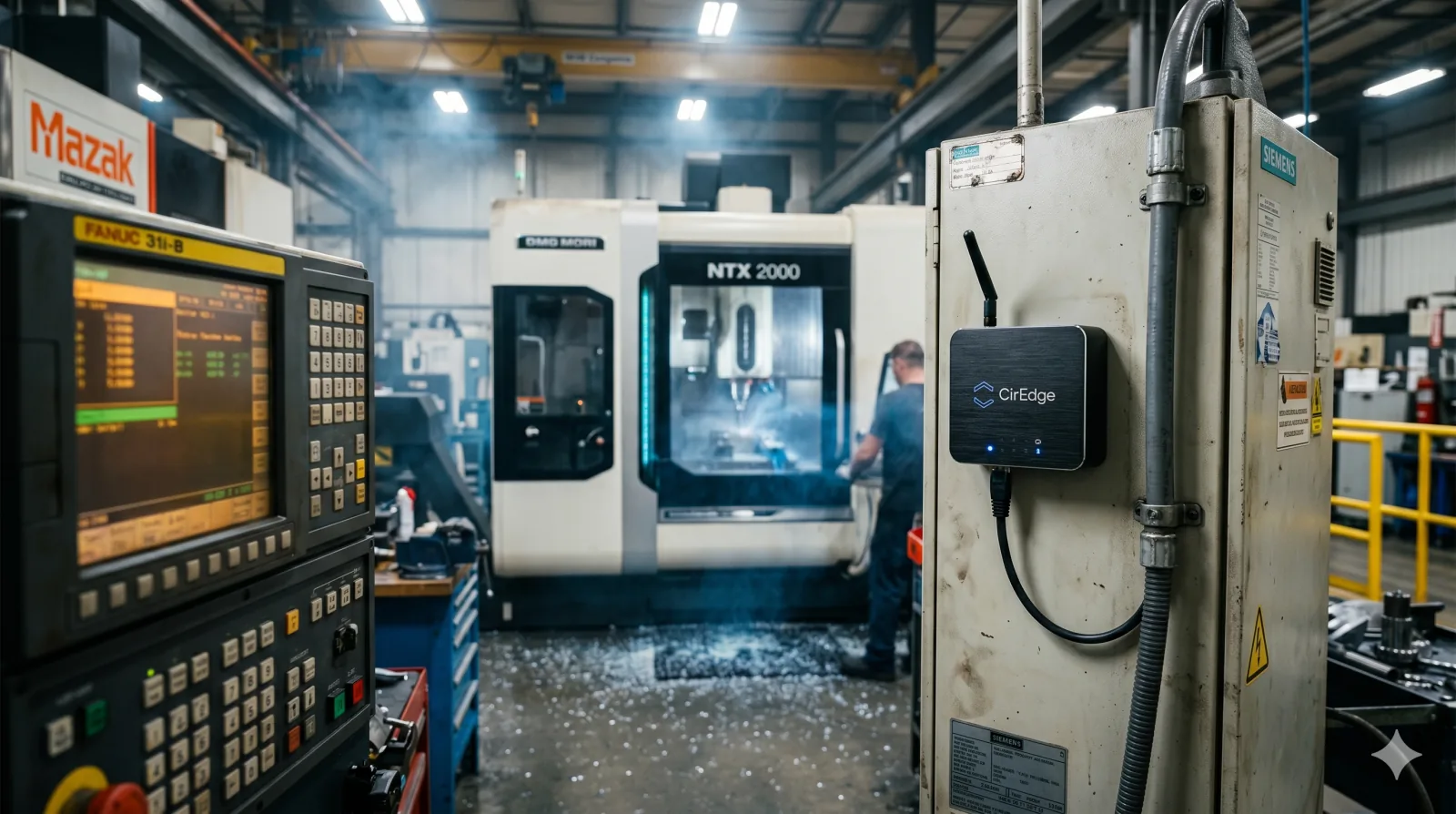
Fanuc, Siemens, Mazak, Doosan — bring your CNC controllers and PLCs online with a single device. Push G-code remotely, monitor production counters and alarm states live, and reach factory-floor PLCs from your PC as if locally connected — no port forwarding, no VPN setup, no IT approval.
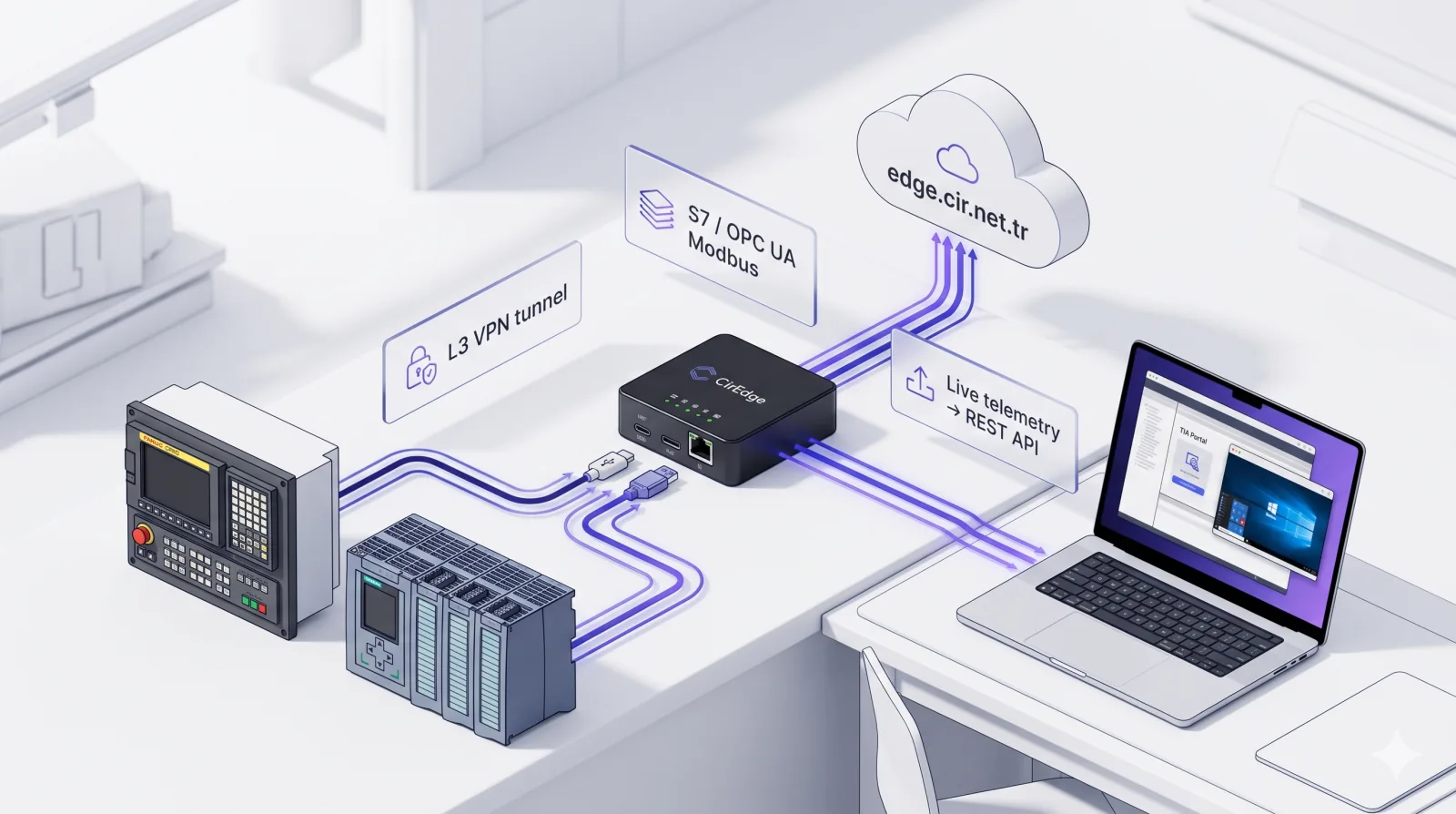
CirEdge unifies legacy Fanuc to modern Siemens under a single platform. Here is what it does.
The device dials out to the portal via WSS — no inbound firewall changes. Your PC reaches factory-floor IPs as if locally connected.
Siemens S7, OPC UA, Modbus TCP/RTU, FOCAS, Sinumerik, SMB, FTP. One box, vendor-agnostic.
Appears as a USB stick to legacy Fanuc controllers. Files arrive from the cloud; the operator just plugs in.
PLC datablocks and OPC UA tags polled every second, streamed to your ERP/MES via REST API.
Scans a /24 subnet in 3 seconds, auto-discovers S7/Modbus/OPC UA endpoints on the factory floor.
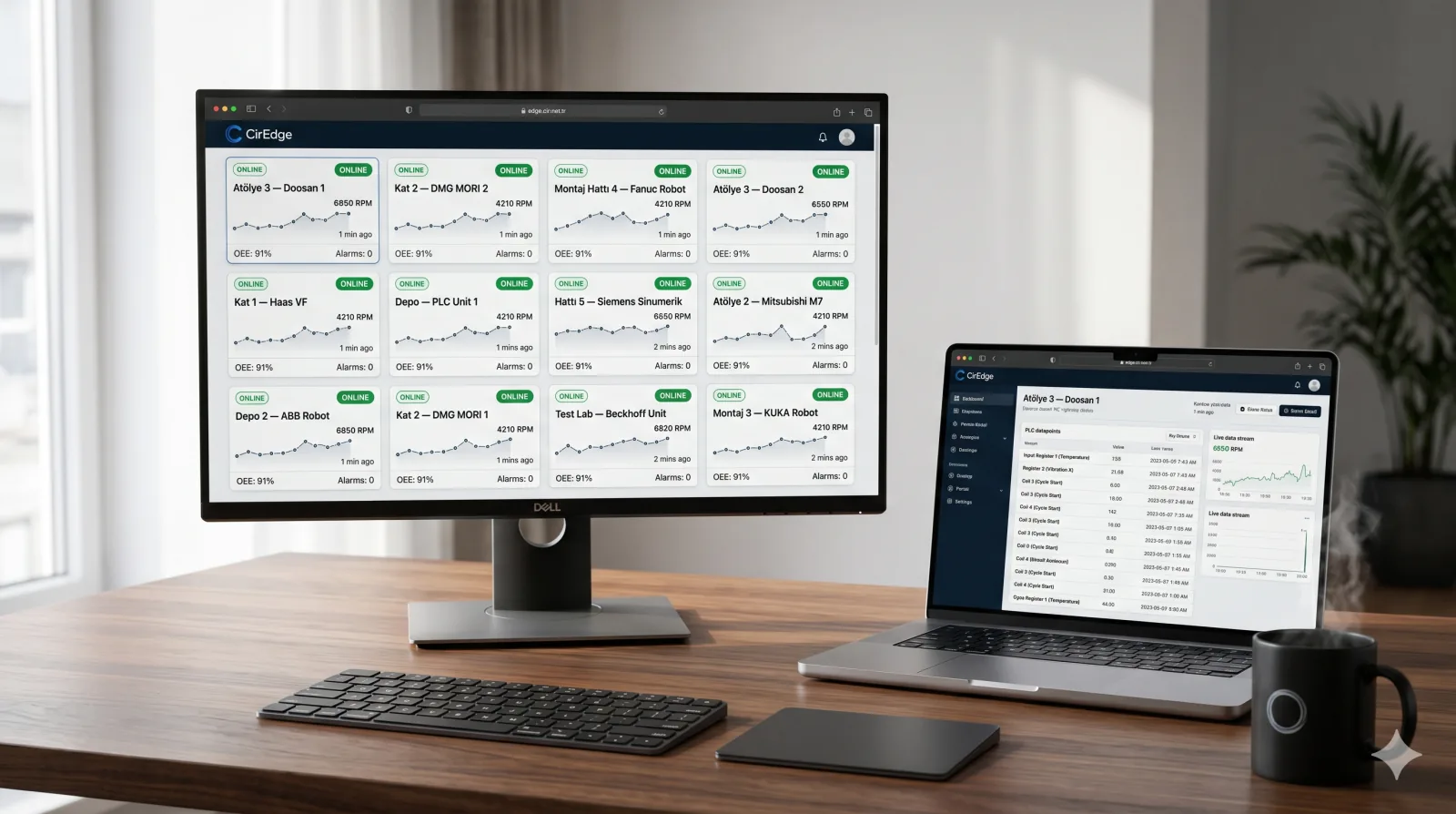
Manage your entire fleet from one dashboard. Online/offline status, live data, one-click access.
Mount on DIN rail, plug in Ethernet, enter the 6-digit code in the portal — ready in minutes.
One device handles multiple machines. Live FOCAS + Sinumerik OPC UA snapshots, alarms, program names.
Even a 30-year-old Fanuc 0i works untouched. The operator plugs in a USB cable; G-code files from the cloud appear on screen. No firmware changes, no procedure changes.
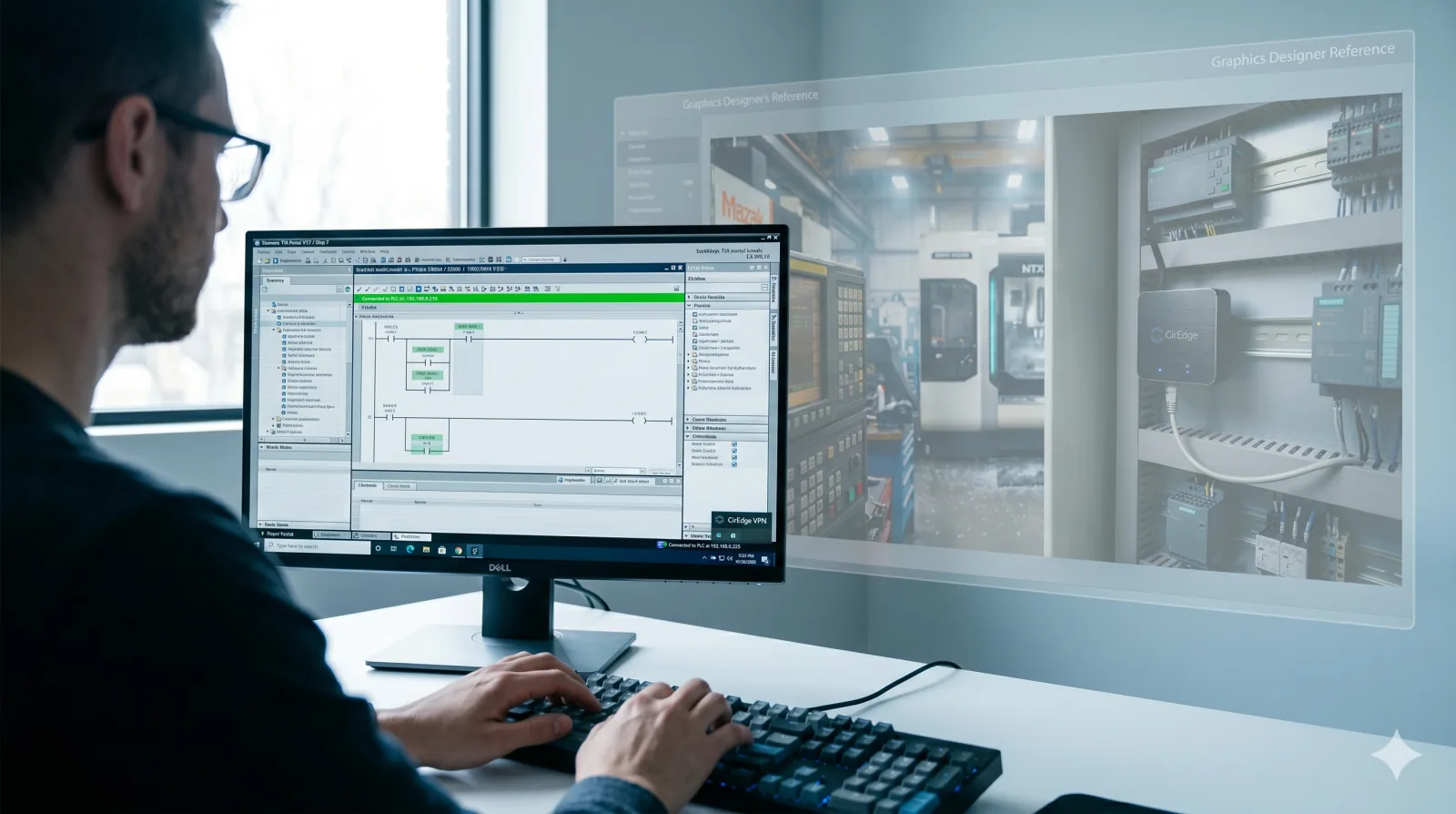
TIA Portal, Step 7, RSLogix — your desktop tools work unchanged. Our Windows client maps the factory-floor PLC IP 1:1; you set up zero port forwarding.
12 shops, 50 machines? All live in a single dashboard. Which machine is online, which is alarming, when did it last produce — at a glance.
Define which PLC datapoints to collect in the portal — temperature, pressure, production counter, alarms. The device polls them periodically and stores them in the cloud; your ERP/MES pulls them via REST API and builds its own reports.
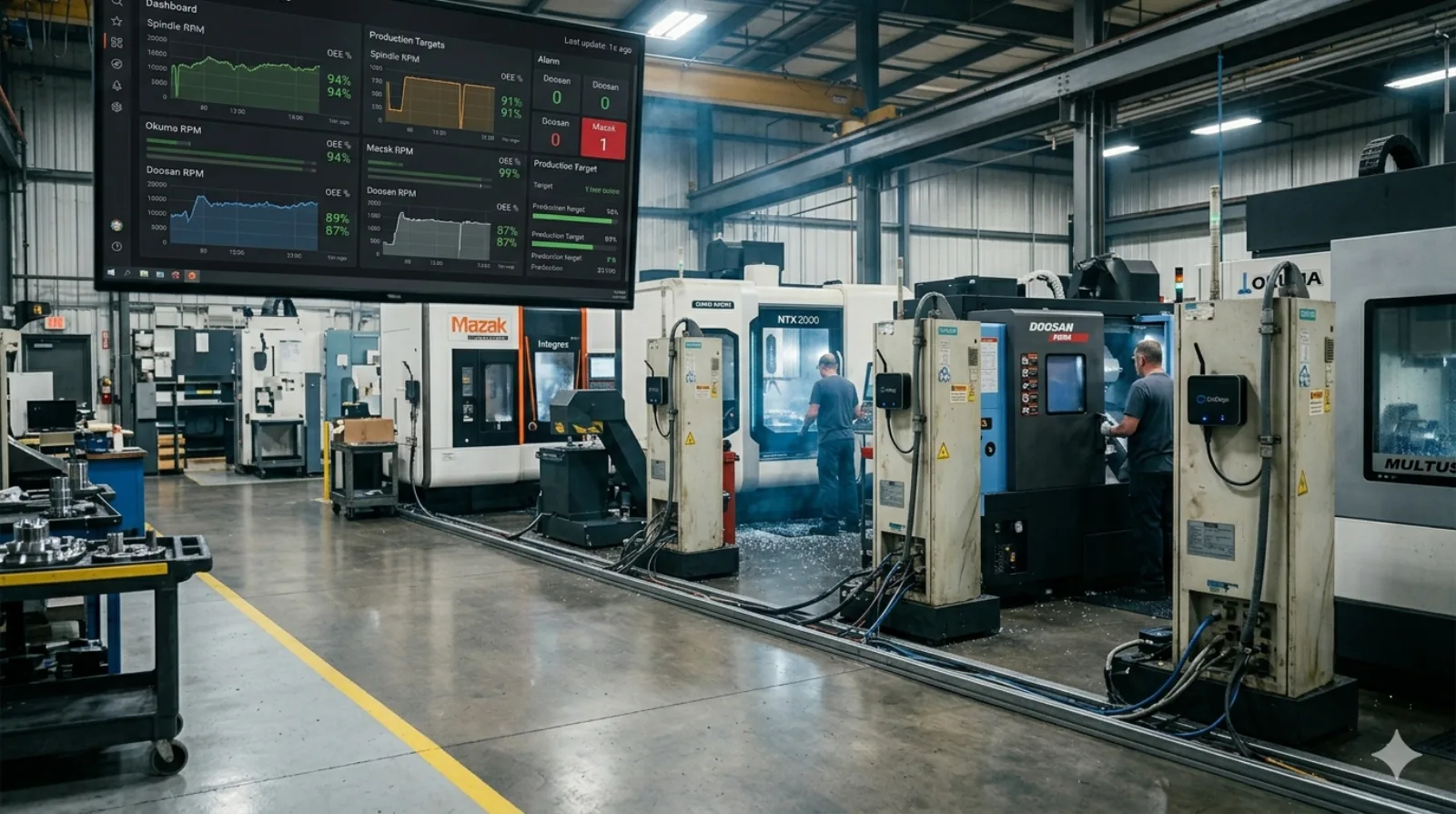
Don't know what's running in the new shop? Enter 192.168.0.0/24 — in 3 seconds you get a list of S7/Modbus/OPC UA endpoints. Which IP, which protocol — at a glance.
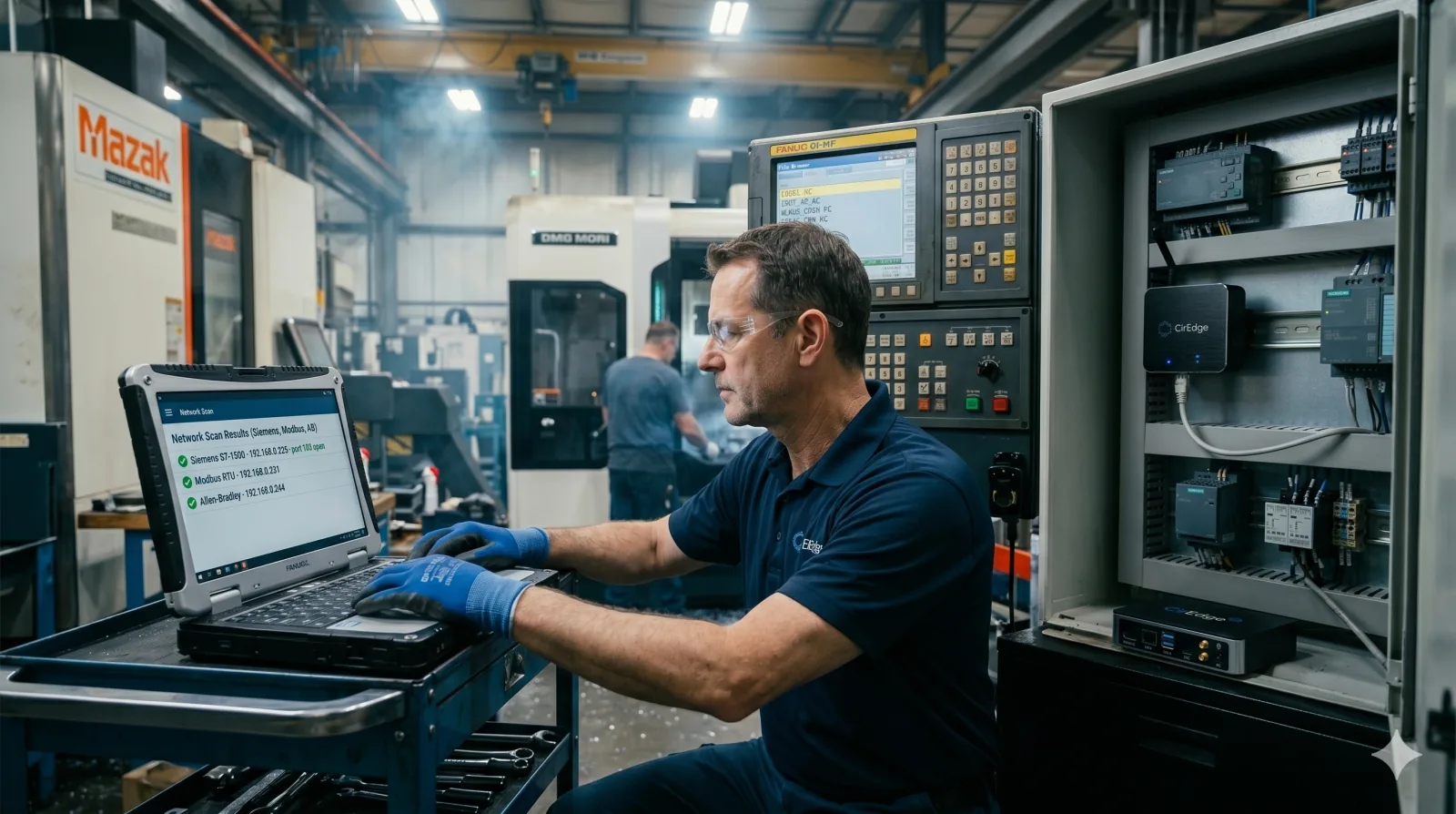
Unbox, mount in the cabinet, and reach your first factory-floor PLC from your PC in minutes.
DIN rail clip into the machine cabinet in 30 seconds. 12–24 V DC or PoE input.
Once online, the device shows a 6-digit code. Paste it into the portal — pairing done.
PLC IP:port, FTP target, telemetry collector — define in the portal. The device applies it instantly.
Install the Windows client, paste your token. Reach the factory-floor IP as if locally connected.
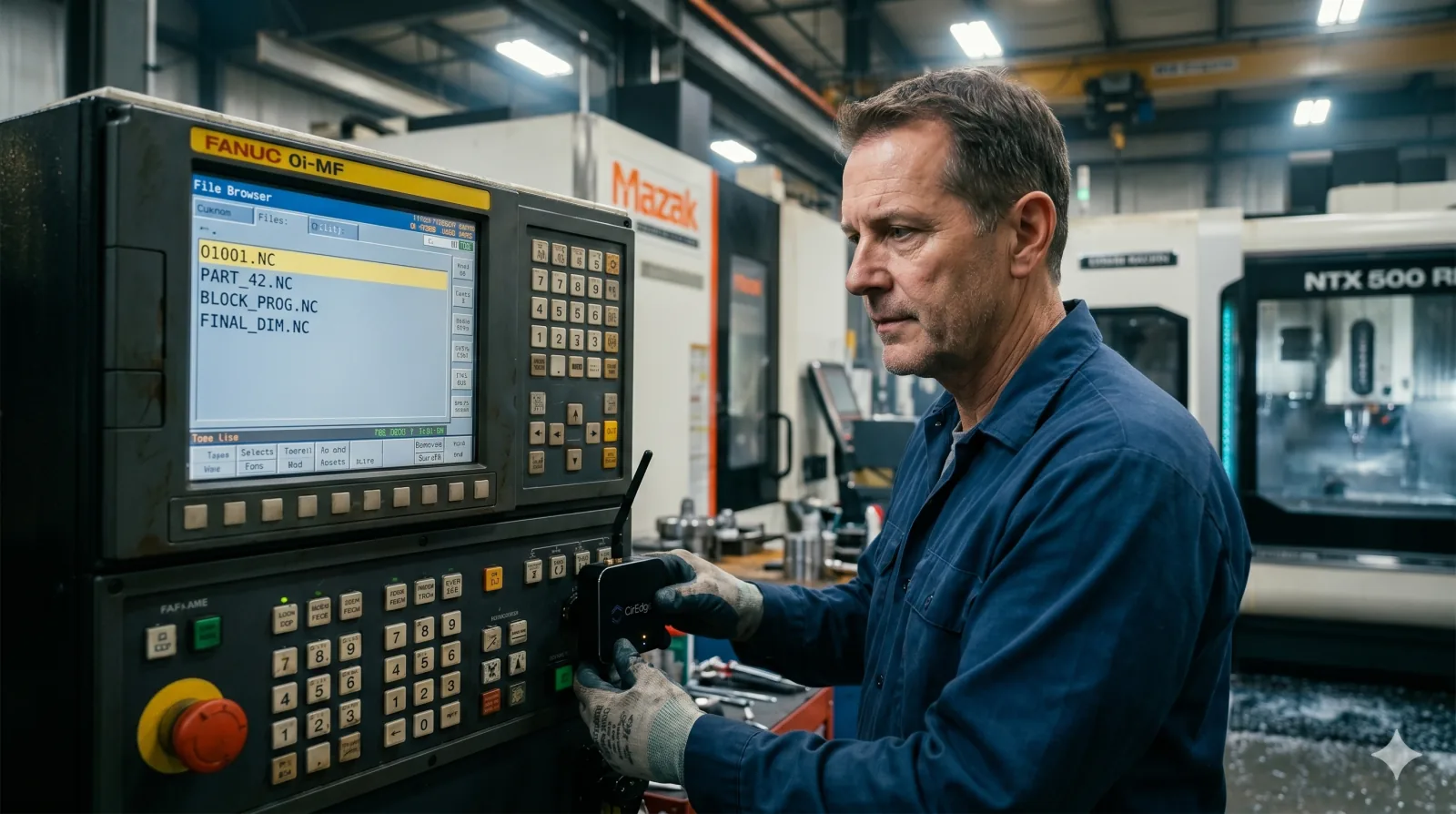
Fill in the form and our team will get back to you shortly. Reach out for a demo, pricing or to discuss the integration process — one click away.